




How to manage a google business account is a crucial skill for any small to mid-sized business owner hoping to boost their online visibility and attract more customers. This guide will help you establish a strong foundation in managing your Google Business Account with practical tips and expert insights.
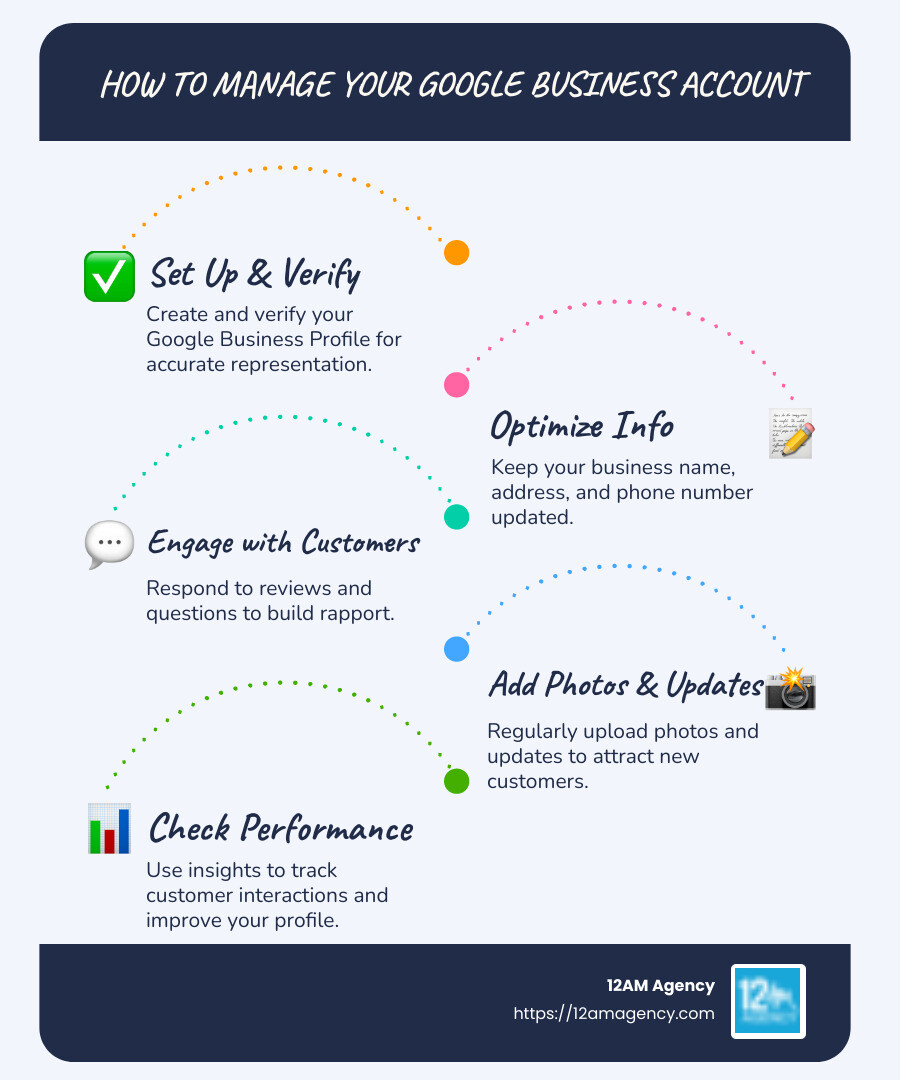
- Set Up and Steer: Create and verify your Google Business Profile.
- Optimize Business Information: Keep your business name, address, and phone number accurate across Google Maps and Google Search.
- Engage with Customers: Respond to reviews and questions promptly.
- Add Photos and Updates: Keep your profile fresh to engage potential customers.
- Check Performance: Use insights to understand customer interactions.
As I’m Robert Portillo, with years of experience in digital marketing, I’m here to explain how to manage a google business account. My background in engineering and marketing helps me provide clear, actionable strategies. Let’s explore ways to make your business shine online.
How to manage a google business account word roundup:
– how do i manage my google business page
– how to add managers to google my business
– how to manage users in google business profile
What is a Google Business Account?
A Google Business Account is your digital storefront on Google. Think of it as the online hub for your business, where potential customers can find essential information about you on Google Search and Google Maps.
Google Business Profile vs. Google My Business
You might have heard of both Google Business Profile and Google My Business. They’re essentially the same thing. Google rebranded Google My Business to Google Business Profile in 2022. This platform allows you to manage your business presence across Google’s properties.
Why It’s Essential
A Google Business Account helps your business stand out in local searches. When someone searches for a product or service you offer, your profile can appear, showcasing your business name, address, phone number, and more. This visibility is crucial for attracting local customers.
Here’s why it’s important:
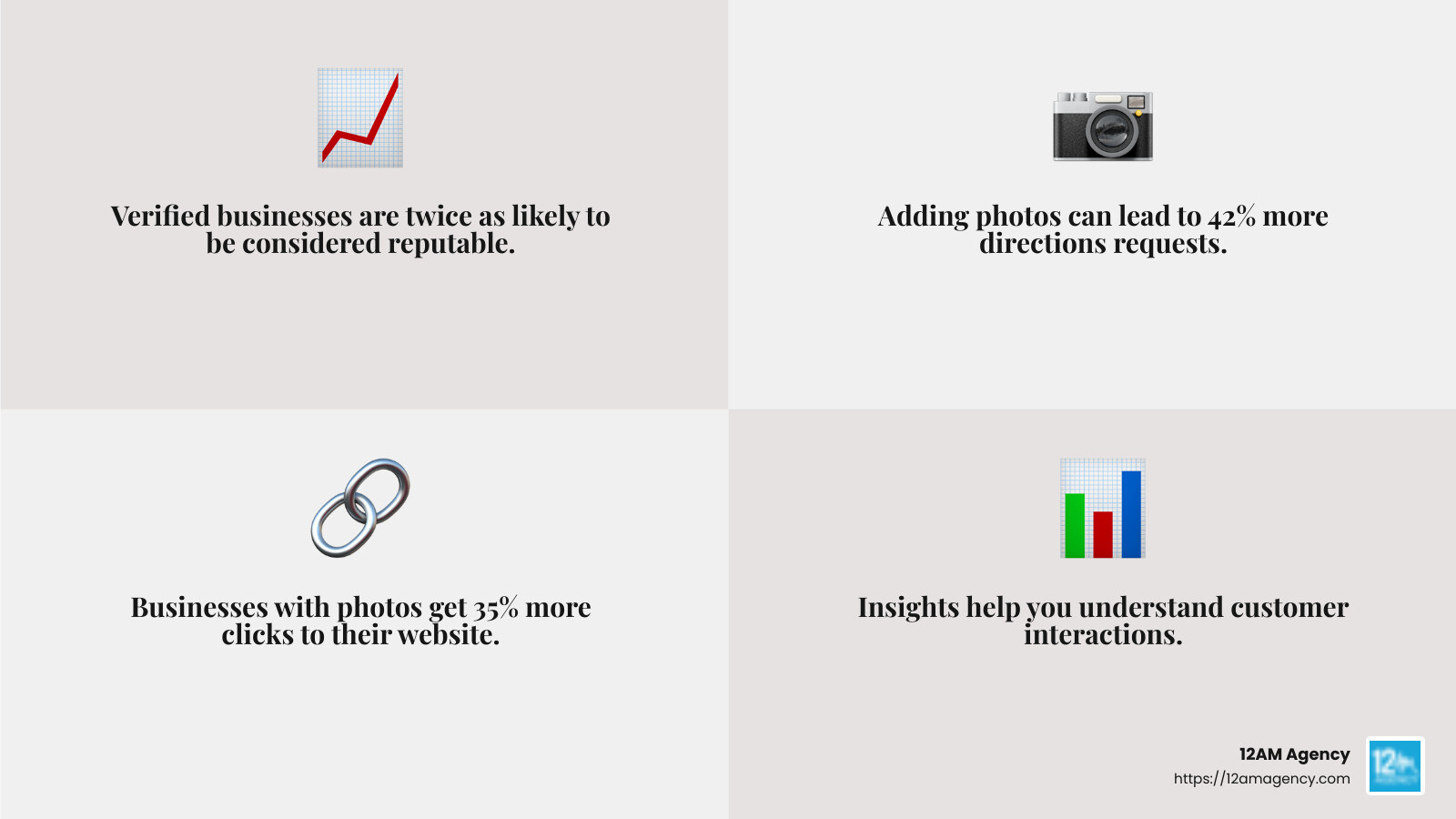
- Reach More Customers: Businesses that verify their information are twice as likely to be considered reputable by consumers.
- Increase Engagement: Adding photos to your profile can lead to 42% more requests for directions and 35% more clicks to your website.
- Understand Your Audience: Insights from your Google Business Profile help you learn how customers find and interact with your business.
Key Features
- Manage Information: Keep your business details updated, so customers always have the latest info.
- Interact with Customers: Respond to reviews and manage customer questions.
- Track Performance: Use insights to see how many people are finding your business and what actions they’re taking.
See exactly where your profile stands right now.
Our GBP audit shows your current rank position across your market, how your profile completeness scores against competitors, and the specific gaps holding you back from the Map Pack.
Setting up and managing a Google Business Account is straightforward and essential for businesses looking to improve their online presence. It not only helps in reaching a wider audience but also provides valuable insights into customer behavior.
Next, we’ll explore how to set up your Google Business Account and get started with these powerful tools.
How to Set Up Your Google Business Account
Setting up your Google Business Account is a vital step in managing your business’s online presence. It allows you to appear in local searches and connect with potential customers right where they are looking for you. Here’s a simple guide to get you started.
Create Your Account
- Sign Up for Google Business Profile:
- Go to the Google Business Profile website.
- Click on “Manage now” to start creating your account.
- Use your Google account for sign-in. If you don’t have one, create a new Google account.
- Enter Your Business Information:
- Fill in your business name. Make sure it matches the name you use on your storefront, website, and stationery.
- Enter your complete and exact business address. If you don’t serve customers at your location, leave this field blank.
- Choose Your Business Type:
- Select whether your business serves customers at a physical location or if it’s a service-area business (like a plumber or electrician).
Verify Your Business
- Verification Process:
- Google will require you to verify your business. This step ensures your business information is accurate and you’re the rightful owner.
- Verification can be done through mail, phone, or email, depending on your type of business.

Select Categories
- Choose Your Business Categories:
- Select a primary category that best describes your business. This helps Google show your business in relevant searches.
- You can add up to nine additional categories, but ensure they accurately reflect your services.
Tip: Choose categories that are specific and representative of your main business activities. Avoid using categories as keywords or to describe attributes of your business.
Finalize Your Profile
- Complete Your Business Profile:
- Add your business hours, phone number, and website.
- Upload high-quality photos and videos to showcase your business location, products, or services. Businesses with photos receive 42% more requests for directions and 35% more clicks to their websites.
- Save and Publish:
- Review your information for accuracy and completeness.
- Save your changes and publish your profile to make it visible on Google Search and Maps.
By following these steps, you’ll set up a solid foundation for your business’s online presence. Next, we’ll dive into how to manage your Google Business Account effectively to keep your information up-to-date and engage with your customers.
How to Manage a Google Business Account
Managing your Google Business Account is key to maintaining your online presence and connecting with customers. Here are the essential steps to keep your profile fresh and engaging.
Editing Your Business Profile
Keeping your business information accurate is crucial. You can easily update your profile through Google Search or the Google Maps app.
- Edit Profile: Use Google Search to find your business, then click on “Edit profile.” You can adjust your business hours, add a website, or update your address.
- Save Changes: After making edits, always remember to save your changes. This ensures your updates are reflected in your profile immediately.
A quick tip: To see how others view your profile, browse privately in Google Chrome or the Google Maps app.
Adding Photos and Videos
Visuals can make your business stand out. Add high-quality photos and videos to your profile using the Google Maps app.
- Manage Photos: Upload images that showcase your location, staff, or products. Businesses with photos get 42% more requests for directions and 35% more clicks to their websites.
- Manage Videos: Include short videos that highlight your services or provide a virtual tour of your business.
Engaging visuals can significantly improve your profile’s appeal and attract more customers.
Responding to Reviews
Connecting with your customers through reviews is vital. Responding to reviews shows you value their feedback and are committed to improving their experience.
- Read Reviews: Regularly check reviews on your profile. Use Google Search to view and respond to them.
- Respond to Reviews: Address both positive and negative reviews professionally. Thank customers for their feedback and address any concerns they might have. Engaging with reviews can build trust and encourage more customers to leave their feedback.
Using the Profile Strength Indicator
The Profile Strength Indicator helps you understand how complete your profile is. A complete profile can improve your local ranking and make you more visible to potential customers.
- Complete Info: Ensure all sections of your profile are filled out, including hours, contact details, and business categories.
- Improve Local Ranking: Keeping your profile updated and complete can improve your visibility in local searches, making it easier for customers to find you.
By actively managing your Google Business Account, you ensure that your business remains relevant and accessible to customers. Now, let’s explore some advanced management tips to take your profile to the next level.
Advanced Management Tips
Taking your Google Business Account to the next level involves more than just the basics. Here are some advanced tips to maximize your profile’s potential.
Engaging with Customers
Engagement is key to building strong relationships with your customers. Here are some ways to keep the conversation going:
- Respond to Reviews: Make it a habit to respond to reviews promptly. Address positive feedback with gratitude and tackle negative reviews with solutions. This shows your commitment to customer satisfaction and can encourage more reviews.
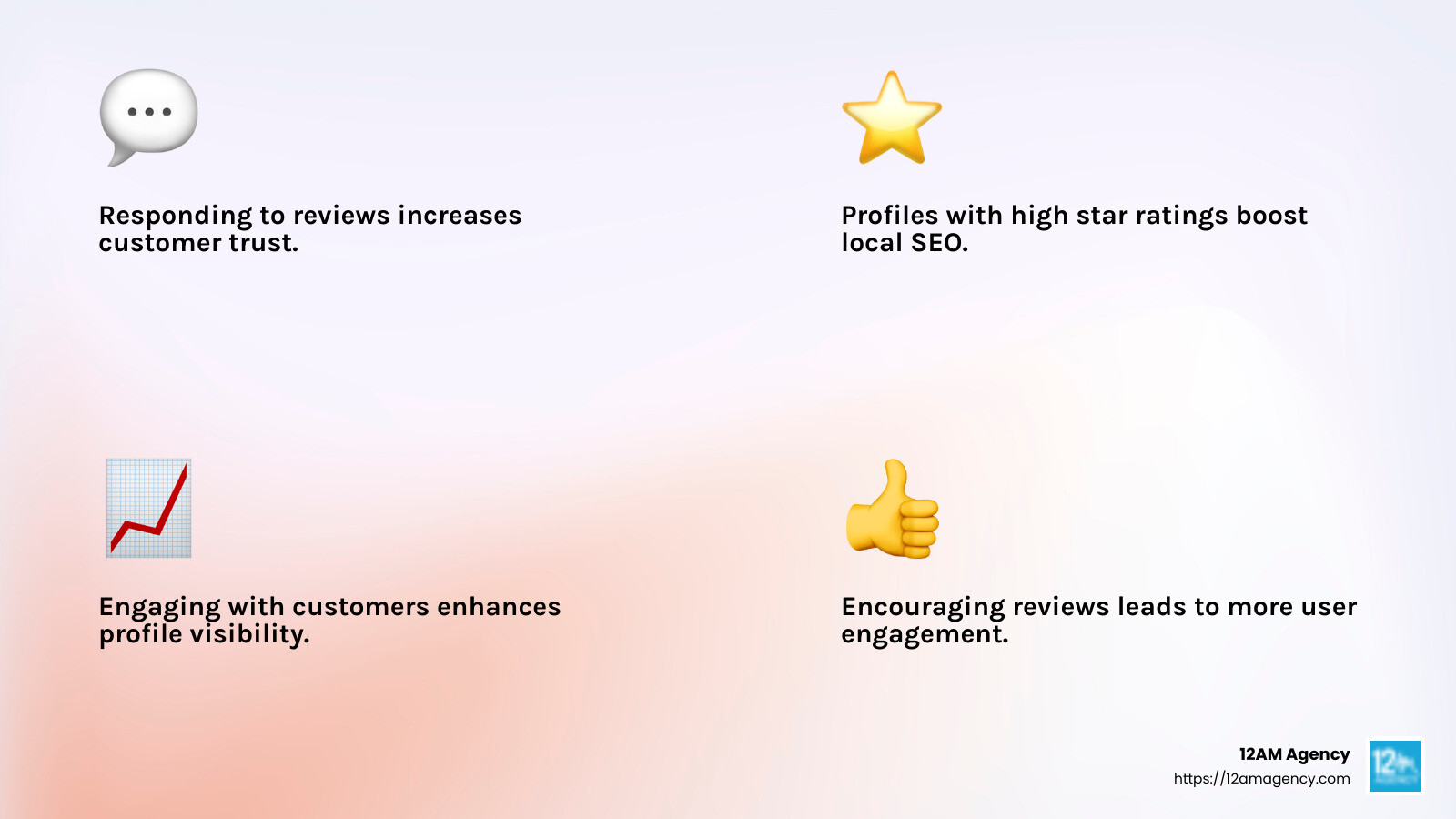
- Encourage Reviews: Ask satisfied customers to leave reviews. A profile with high star ratings and frequent reviews can significantly boost your local SEO.
- Direct Messaging: Enable direct messaging on your profile. This allows customers to contact you directly with questions or feedback, creating a more personal connection.
Keeping Your Profile Fresh
A vibrant and updated profile catches the eye. Here’s how to keep yours lively:
- Google Posts: Use Google Posts to share updates, promotions, or events. Posts appear directly in your profile, making them a great way to inform customers about what’s new.
- High-Quality Photos and Videos: Regularly update your profile with fresh images and videos. This could include new product photos or a quick video tour of your business. Visual content is compelling and can increase customer engagement.
- Announcements: Keep your audience informed with timely announcements. Whether it’s a change in business hours or a special event, keeping your profile updated ensures customers are always in the know.
Tracking Performance
Understanding how your profile is performing is crucial for making informed decisions. Here’s how you can track and analyze your profile’s success:
- Customer Insights: Use Google Business Profile insights to see how customers interact with your profile. You can track actions like website clicks, direction requests, and phone calls.
- Search Terms: Find which search terms customers use to find your business. This information can help you refine your local SEO strategy.
- Demographics and Metrics: Analyze the demographics of your audience and key metrics to understand who your customers are and how they’re engaging with your profile.
By utilizing these advanced management tips, you can improve your Google Business Account’s effectiveness and reach more customers. Next, let’s explore how to manage multiple profiles efficiently.
Managing Multiple Profiles
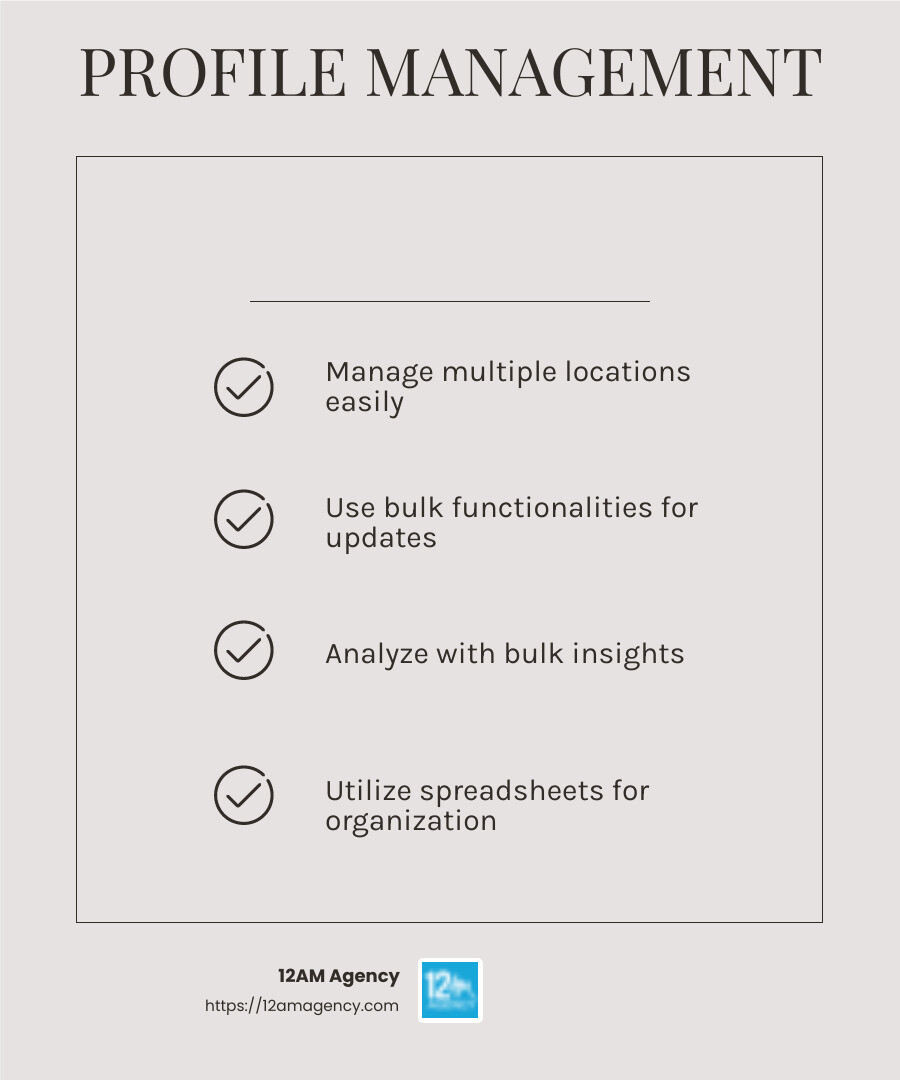
Handling multiple business locations can be a daunting task, but Google makes it easier with Business Profile Manager. This tool is a lifesaver for businesses with more than one location, allowing you to manage all your profiles from a single dashboard.
Business Profile Manager
The Business Profile Manager is your command center for overseeing multiple business profiles. It simplifies the process of updating information, responding to reviews, and analyzing performance across all your locations. Whether you have two or twenty profiles, this tool ensures consistency and efficiency in managing your online presence.
Bulk Functionalities
Managing each profile individually can be time-consuming. That’s where bulk functionalities come in handy. With these features, you can make updates across several profiles at once. For instance, if you’re changing business hours for multiple locations, you can do so in one go rather than editing each profile separately.
Spreadsheet Upload/Download
One of the most powerful features of managing multiple profiles is the ability to upload and download data via spreadsheets. This functionality allows you to make bulk edits in a spreadsheet before uploading it to your Business Profile Manager. It’s a great way to keep all your information organized and make large-scale updates efficiently.
Bulk Insights
Understanding customer behavior across different locations is crucial. Bulk insights provide a comprehensive view of how each profile is performing. You can analyze metrics such as search queries, customer actions, and photo views for all your locations in one place. This data is invaluable for identifying trends and making informed decisions to improve your business strategy.
By leveraging these tools and features, managing multiple profiles becomes not only feasible but also streamlined. The Business Profile Manager, along with its bulk functionalities, ensures your business stays consistent and responsive across all locations.
Next, we’ll dig into some frequently asked questions about managing a Google Business Account.
Frequently Asked Questions about Managing a Google Business Account
Is Google Business Profile free?
This is the work we do for you. Every week, without exception.
Managing GBP at this level takes 6–8 hours a week when done right. Nova handles the entire system — posts, photos, reviews, Q&A, citations, heatmap tracking — so you can focus on running your business.
Yes, the Google Business Profile is a free tool. It helps businesses manage their online presence across Google Search and Google Maps. This means you can control how your business appears when people search for it. You can update business info, add photos, and respond to reviews without paying a dime. This tool is especially valuable for small businesses looking to boost their visibility online without a hefty marketing budget.
Can more than one person manage a Google business account?
Absolutely! A Google Business Account can have multiple managers. This is useful if you want different team members to handle various aspects of your profile. You can assign roles like Primary Owner, Owner, or Manager. The Primary Owner has the most control and can transfer ownership if needed. Having multiple managers ensures that someone is always available to update information, respond to reviews, or post new photos. It’s a great way to share the workload and keep your profile up-to-date.
How can I improve my Google Business Profile ranking?
Improving your Google Business Profile ranking involves a few key strategies:
- Local SEO: Ensure your profile is optimized for local searches. Include relevant keywords and your business location in the profile description.
- Customer Engagement: Respond to reviews and encourage customers to leave feedback. Engaging with your audience shows that you care about their experience and can boost your rankings.
- High Star Ratings: Aim for positive reviews. A higher average rating can improve your profile’s visibility.
- Website Link: Link your profile to your website. This provides more information to potential customers and improves your online presence.
These strategies can help your business stand out in local searches, making it easier for customers to find and choose you over competitors.
Next, let’s explore some advanced management tips to make the most of your Google Business Profile.
Conclusion
Managing your Google Business Account effectively can significantly boost your business’s online presence. At 12AM Agency, we understand the importance of having a strong digital footprint, especially for businesses in the busy market of Dallas, Texas. Our expertise in digital marketing and personalized strategies is designed to help you steer the complexities of online business management.
We specialize in services like SEO, PPC, website design, and mobile app development. Our approach is always custom to meet your unique needs, ensuring measurable success. By leveraging the power of tools like Google Business Profile, we can help you optimize your local SEO, engage with customers, and improve your online visibility.
Our team is dedicated to delivering results-driven strategies that align with your business goals. Whether you’re a small business looking to improve your local search rankings or a larger organization aiming for a more comprehensive digital strategy, we have the expertise to make it happen.
Ready to take your business to the next level? Contact us today to learn how our custom digital marketing solutions can help you achieve your business objectives in Dallas and beyond.
By partnering with 12AM Agency, you gain access to a wealth of knowledge and experience that can transform your digital strategy and drive growth. Let us help you harness the full potential of your Google Business Account and propel your business to new heights.


