




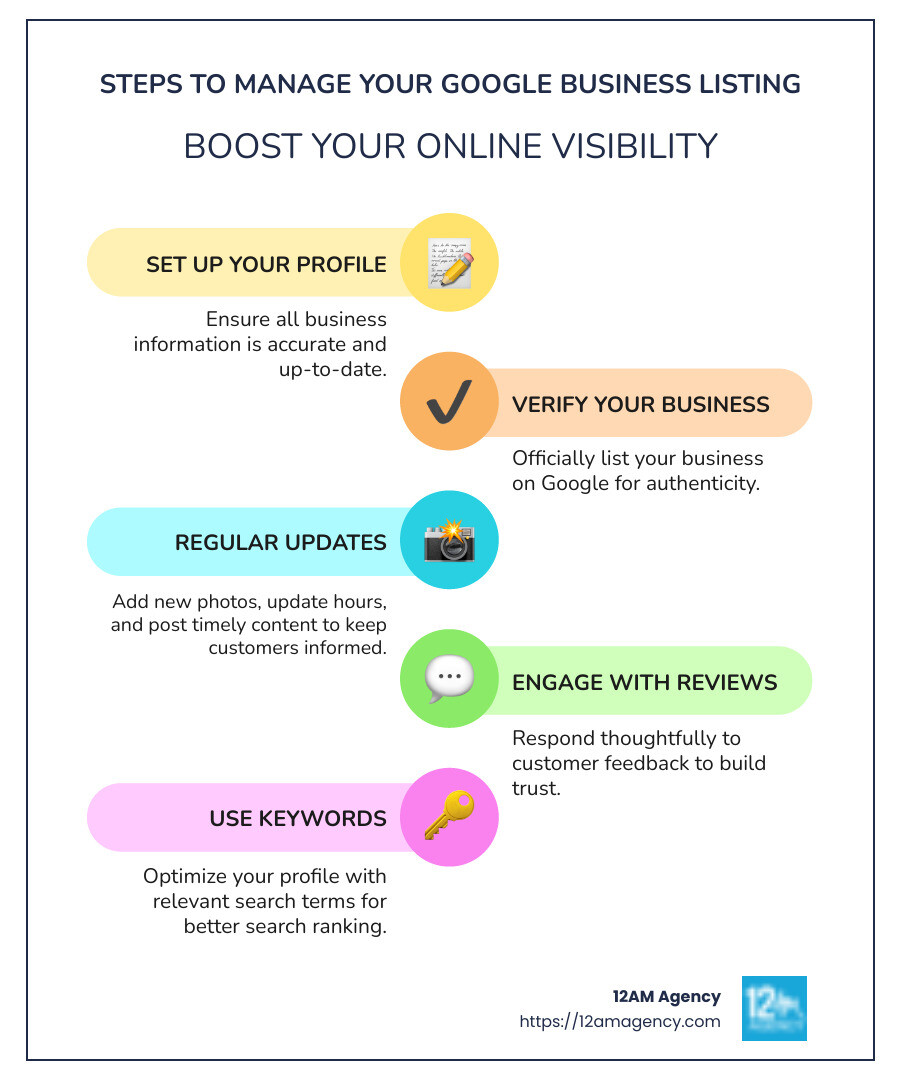
How to manage google business listing effectively can seem daunting, but it’s a vital step for any business looking to thrive online. Here’s a quick guide:
- Set Up Your Profile: Ensure your business information is accurate and present.
- Verify Your Business: Make it an official listing on Google.
- Regular Updates: Add new photos, update hours, and post timely content.
- Engage with Reviews: Respond thoughtfully to customer feedback.
- Use Keywords: Optimize your profile with relevant terms for better search ranking.
A well-managed Google Business Profile can significantly boost your company’s online visibility and credibility. It acts as a virtual storefront, providing potential customers with key details at a glance, such as your business’ location, hours of operation, and customer reviews—all crucial for attracting local clientele. Did you know that businesses with complete listings are twice as likely to gain customer trust and are 70% more likely to attract visitors?
I’m Robert Portillo, and with a rich background in digital marketing, I’ve guided numerous businesses in maximizing their online potential through effective Google Business Listings management. With this expertise, you’ll learn to not only improve your profile but also leverage Google’s tools for consistent growth.
How to manage google business listing definitions:
– how do i manage my google business page
– how to add managers to google my business
– how to manage a google business account
Setting Up Your Google Business Listing
Creating a Google Business Listing is your first step towards enhancing your online presence. This is where your business information becomes accessible on Google Search and Maps, making it easier for customers to find you.
Create Your Profile
- Sign Up for a Google Account: If you don’t already have one, you’ll need a Google Account to get started. You can create one by visiting Google Accounts.
- Visit Google My Business: Go to Google My Business and click on “Manage now”.
- Enter Your Business Information: Fill in your business name, address, and contact details. Be accurate, as this information will appear on Google Maps and Search.
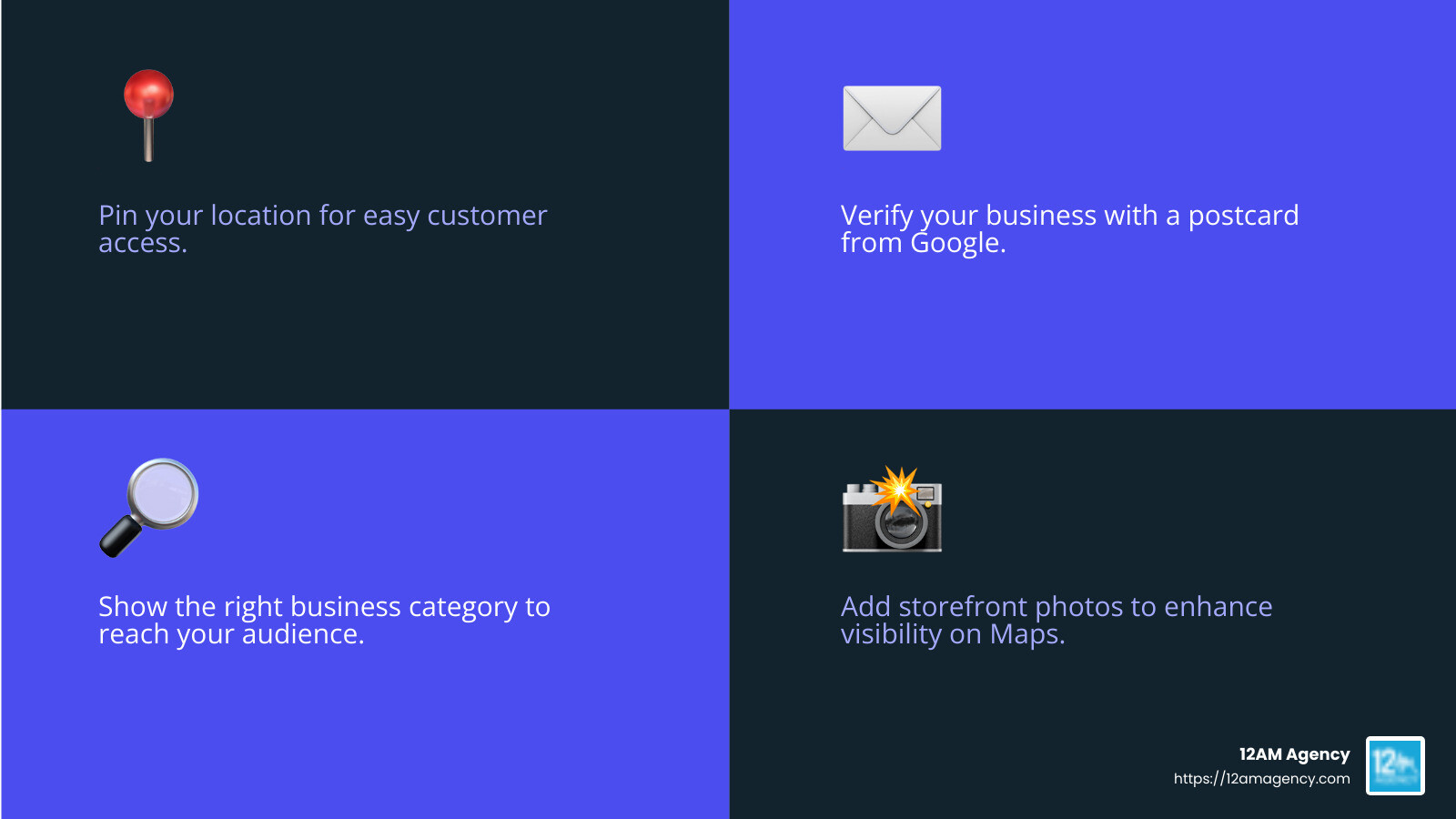
- Select a Business Category: Choose a category that best describes your business. This helps Google show your business to the right audience.
- Add Your Location: If you have a physical store, make sure to pin your location on the map. This allows customers to find you easily.
Verify Your Business
Verification is crucial to ensure your business is legitimate. Google offers several verification methods:
- Postcard by Mail: Google will send a postcard to your business address with a verification code. Enter this code in your Google My Business account to verify your listing.
- Phone or Email: For some businesses, Google might offer verification via phone or email. Follow the instructions provided to verify your listing.
- Instant Verification: If you’ve already verified your business with Google Search Console, you might qualify for instant verification.
See exactly where your profile stands right now.
Our GBP audit shows your current rank position across your market, how your profile completeness scores against competitors, and the specific gaps holding you back from the Map Pack.
Use Google Maps and Search
Once verified, your business will appear on Google Maps and Search. Here’s how to make the most out of these platforms:
- Google Maps: Ensure your location is correct. Customers often use Maps to find directions, so accuracy is key. You can also add photos of your storefront to help customers identify your location.
- Google Search: Update your business description and ensure your contact details are current. This information is often the first thing potential customers see when they search for your business.
Tip: Keep your profile updated with new photos, special offers, and changes in business hours to stay relevant and engaging for your audience.
Setting up your Google Business Listing is just the beginning. Once your profile is live, managing and optimizing it is crucial for maintaining visibility and attracting customers. Next, we’ll dive into How to Manage Google Business Listing, exploring ways to keep your profile fresh and engaging.
How to Manage Google Business Listing
Managing your Google Business Listing is essential for maintaining an accurate and engaging online presence. This section will cover editing your business profile, adding and managing services, and responding to reviews. Let’s dive in!
Editing Your Business Profile
Keeping your business profile updated is crucial for attracting and retaining customers. Here’s how you can effectively manage your profile:
- Edit Profile Information
- Business Name: Ensure your business name is correct and consistent with other online listings.
- Local Phone Number: Use a local phone number to build trust with local customers.
- Hours of Operation: Regularly update your business hours, especially during holidays or special events.
- Description: Write a compelling and concise description of your business. Highlight what makes you unique.
- High-Resolution Photos and Videos: Add high-quality images and videos to showcase your products, services, and premises. Customers are more likely to engage with profiles that have visual content.

- Use Google Maps and Search
- Edit your profile directly from Google Maps or Search. Simply search for your business name or “my business” to access editing options.
Adding and Managing Services
Listing your services accurately helps potential customers understand what you offer:
- List Services: Clearly outline the services you provide. This helps in appearing in relevant searches.
- Product Inventory: If applicable, keep your product inventory up-to-date. This is particularly useful for retail businesses.
- Online Quotes and Booking Options: Enable features like online quotes or booking options to streamline customer interactions and increase conversions.
Tip: Use Google My Business to update services and products. This platform allows you to manage these details efficiently.
Responding to Reviews
Engaging with customer reviews is a vital part of managing your business listing:
- Monitor Reviews: Regularly check for new reviews. This keeps you informed about customer feedback.
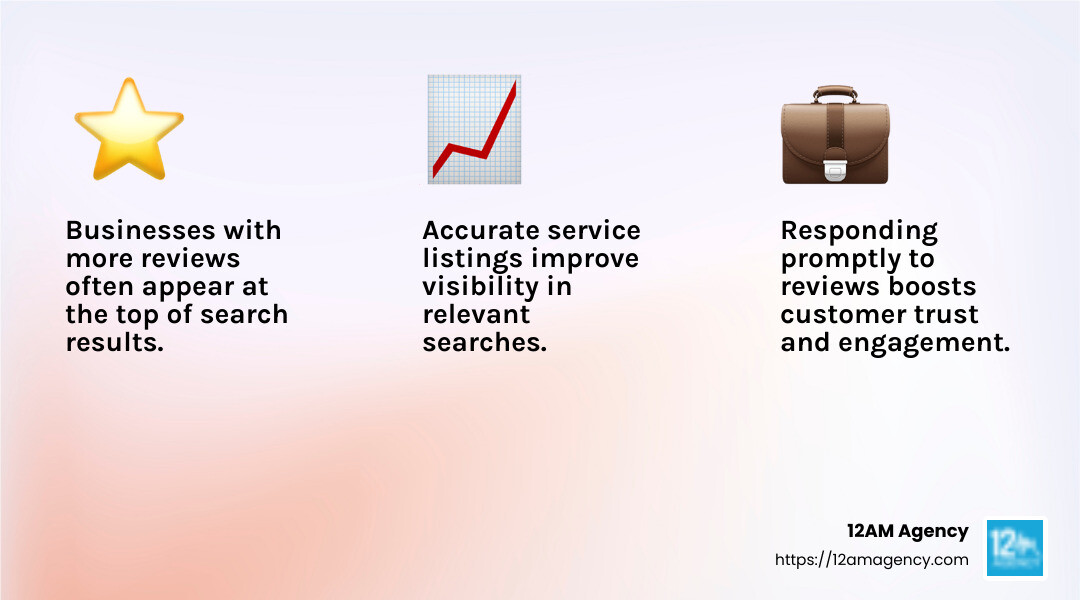
- Respond Promptly: Respond quickly to both positive and negative reviews. Acknowledge compliments and address concerns to show that you value customer feedback.
- Improve Customer Engagement: Engaging with reviews can boost your reputation and encourage more customers to leave feedback.
“Businesses with more reviews and higher ratings often appear at the top of search results.”
By effectively managing your Google Business Listing, you can ensure that your business information is always current and appealing to potential customers. Next, we’ll explore Optimizing Your Google Business Listing to further improve your online presence.
Optimizing Your Google Business Listing
To get the most out of your Google Business Listing, optimization is key. Here, we’ll focus on using keywords effectively and the importance of regular updates and posts.
Using Keywords Effectively
Keywords play a crucial role in making your business more visible online. Here’s how to incorporate them:
- Compelling Description: Write a concise and engaging description of your business. Use keywords naturally to describe what you offer and what sets you apart. For instance, if you own an ice cream shop, words like “homemade,” “hand-churned,” and “New York-style pies” can make your profile pop.
- From the Business Section: This is a perfect spot to highlight your unique value proposition. Sprinkle in keywords that potential customers might use when searching for services like yours.
- Services and Products: Clearly list your services and products with relevant keywords. This helps in showing up in specific searches related to what you offer.
Regular Updates and Posts
Keeping your Google Business Listing fresh and engaging is essential. Here’s how you can maintain an active presence:
- Publish Posts: Regularly share updates, news, and offers. Posts can be about upcoming events, sales, or new products. This keeps your audience informed and engaged.
- Photos and Videos: High-resolution photos and videos are a must. They not only showcase your business but also make your profile more attractive. According to research, profiles with quality images get more views and engagement.
- Direct Messaging: Enable direct messaging to interact with customers in real time. This feature allows you to answer queries promptly and build a stronger connection with your audience.
- Offers and Promotions: Highlight any special offers or promotions. Use posts to inform customers about limited-time discounts or new services.
- Regular Updates: Ensure your business information, like hours of operation and contact details, is always up-to-date. This helps in maintaining accuracy and trust with your customers.
By optimizing your Google Business Listing with effective keywords and regular updates, you can improve your online visibility and attract more potential customers. Next, we’ll dig into Advanced Management Tips to help you manage multiple locations and handle business closures effectively.
Advanced Management Tips
Managing a Google Business Listing can get complex, especially when dealing with multiple locations or closures. Here, we’ll explore strategies for managing multiple locations and handling temporary and permanent closures.
Managing Multiple Locations
When your business has multiple locations, efficient management is crucial. The Business Profile Manager is your best friend here. It allows you to handle all your listings in one place. This tool is especially helpful for businesses with more than 100 locations, offering bulk update capabilities.
- Google Maps and Google Search: You can manage your profiles directly through these platforms. Simply search for your business name or type “my business” to access your profile. This makes it easy to edit information on the go.
- Bulk Updates: If you manage many locations, uploading updates via a spreadsheet saves time. You can change business hours, contact details, or descriptions for multiple profiles at once.
- Advanced Info: Ensure each location’s profile includes detailed information. List specific services or products available at each branch. This helps customers find exactly what they need.
Handling Temporary and Permanent Closures
Sometimes, businesses face temporary or permanent closures. It’s important to keep your Google Business Listing updated to reflect these changes.
- Mark as Closed: If a location is temporarily or permanently closed, update its status promptly. This prevents customers from visiting a closed site and maintains trust.
- Temporary Closures: Use the Business Profile Manager to mark a location as temporarily closed. This ensures the closure is reflected in Google Maps and Search, keeping your customers informed.
- Permanent Closures: If a location is closing for good, mark it as permanently closed. This stops it from appearing in search results and helps maintain accurate business data.
- Google Support: If you encounter issues while updating closures, reach out to Google Support for assistance. They can help resolve problems and ensure your listings are accurate.
By effectively managing multiple locations and keeping closure statuses current, you maintain a seamless experience for your customers. This not only builds trust but also improves your business’s online presence.
Next, we’ll address some Frequently Asked Questions about Managing Google Business Listings, where you can find solutions to common challenges.
Frequently Asked Questions about Managing Google Business Listings
How to Edit Your Google Business Listing?
Editing your Google Business Listing is straightforward and can be done directly through Google Maps and Google Search. To start, ensure you’re logged into the Google account associated with your business.
- Google Maps: Tap your profile picture in the top right corner, then select “Your Business Profile.” Here, you can edit details like your business name, local phone number, and hours of operation. You can also add high-resolution photos and videos to make your profile more appealing.
- Google Search: Simply search for your business name or type “my business” to access editing options. Use the Edit Profile feature to update information quickly. This ensures your customers always see the most accurate details.
Regular updates are crucial. Keep your information current to improve your visibility and ranking in search results.
How to Optimize Your Google Business Listing?
Optimizing your Google Business Listing involves several key tactics:
- Use Keywords Effectively: Incorporate relevant keywords in your business description and service listings. For example, if you’re a law firm in Texas, using “defense lawyer in Austin” can improve local search visibility.
- Compelling Description: Write a clear and concise business description. Highlight what sets you apart and avoid exceeding 750 characters. This helps potential customers understand your offerings quickly.
- High-Resolution Photos and Videos: Invest in quality images that showcase your business. High-quality visuals not only improve your profile but also increase engagement.
- Regular Updates and Posts: Keep your profile dynamic by publishing posts about new products, offers, or updates. This keeps your audience informed and engaged.
This is the work we do for you. Every week, without exception.
Managing GBP at this level takes 6–8 hours a week when done right. Nova handles the entire system — posts, photos, reviews, Q&A, citations, heatmap tracking — so you can focus on running your business.
How to Respond to Reviews on Google Business?
Responding to reviews is essential for customer engagement and reputation management. Here’s how to handle it:
- Monitor Reviews: Regularly check your reviews on Google Maps and Google Search. Staying updated allows you to address feedback promptly.
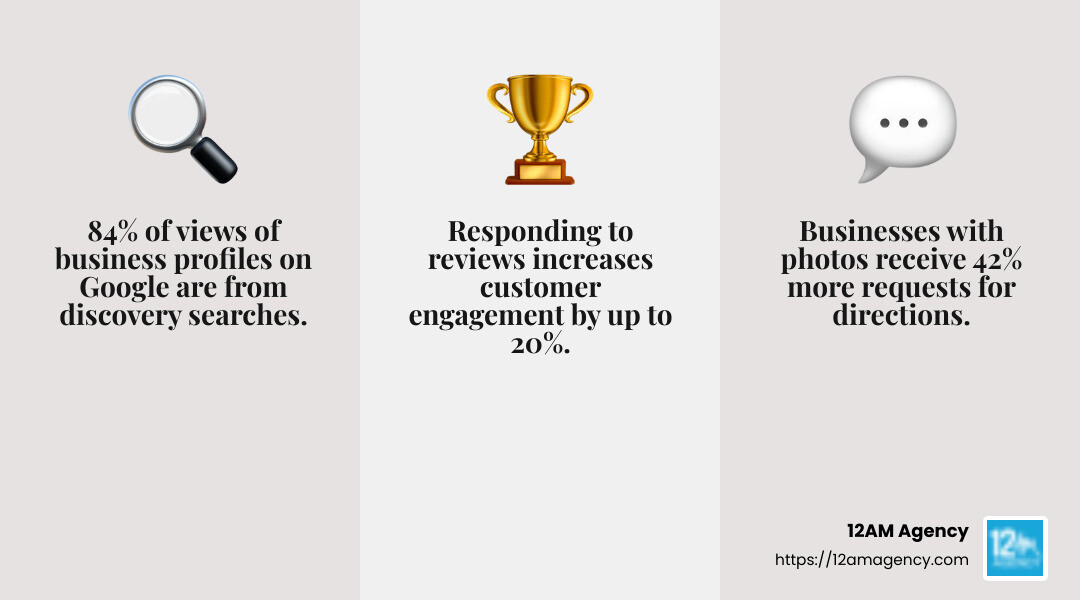
- Respond Promptly: Acknowledge both positive and negative reviews quickly. Thank customers for their feedback and address any concerns they raise. This demonstrates your commitment to customer satisfaction.
- Customer Engagement: Engaging with reviews can build trust and encourage more customers to leave feedback. Positive interactions can turn satisfied customers into loyal advocates.
By managing reviews effectively, you not only maintain a positive online reputation but also foster a stronger connection with your audience.
Next, we’ll dive into some advanced management tips to further improve your Google Business Listing’s performance.
Conclusion
At 12AM Agency, we understand that navigating the digital marketing landscape can be challenging. That’s why we’re committed to helping businesses like yours thrive online. Whether you’re in Dallas, Texas, or any of our other locations in Huntington, IN, or Orange, CT, our personalized strategies are designed to meet your unique needs.
Our expertise in digital marketing extends across SEO, PPC, website design, and mobile app development. We focus on delivering results-driven solutions custom to your business goals. This approach ensures that you not only reach your target audience but also engage with them effectively.
If you’re looking to optimize your Google Business Listing, our team is here to guide you every step of the way. We employ proven techniques to improve your online presence, from using the right keywords to maintaining high-quality visuals. Our strategies are crafted to help you stand out in local search results and attract more customers.
Ready to take your business to the next level? Let us show you how. Learn more about our services and see how we can help you achieve your digital marketing goals.

