

Brand films have always been one of the most resource-intensive forms of marketing content. They combine storytelling, cinematography, editing, music, branding, and visual consistency into a single production. Traditionally, creating one required large crews, expensive equipment, and weeks or even months of work.
AI is changing that process.
Today’s AI tools do much more than generate short video clips from text prompts. Many now assist with scripting, storyboarding, editing, voiceovers, and production planning, helping brands and agencies move from an idea to a finished film much faster than before.
However, not every platform is built for the same purpose. Some specialise in generating individual cinematic clips, while others support the entire filmmaking workflow.
If you’re looking for the best AI tools for creating brand films, this guide compares five leading options and highlights where each one fits.
What Makes a Good AI Tool for Brand Films?
Creating a compelling brand film involves far more than attractive visuals. The right platform should support creative thinking as much as content generation.
When comparing AI tools, consider factors such as:
- Scriptwriting and concept development
- Storyboarding and shot planning
- Character and product consistency
- Camera and creative control
- Editing and post-production
- Collaboration features
- Scalability for larger campaigns
The ideal solution depends on whether you’re creating a one-off promotional video or managing multiple campaigns throughout the year.
1. Invideo agent
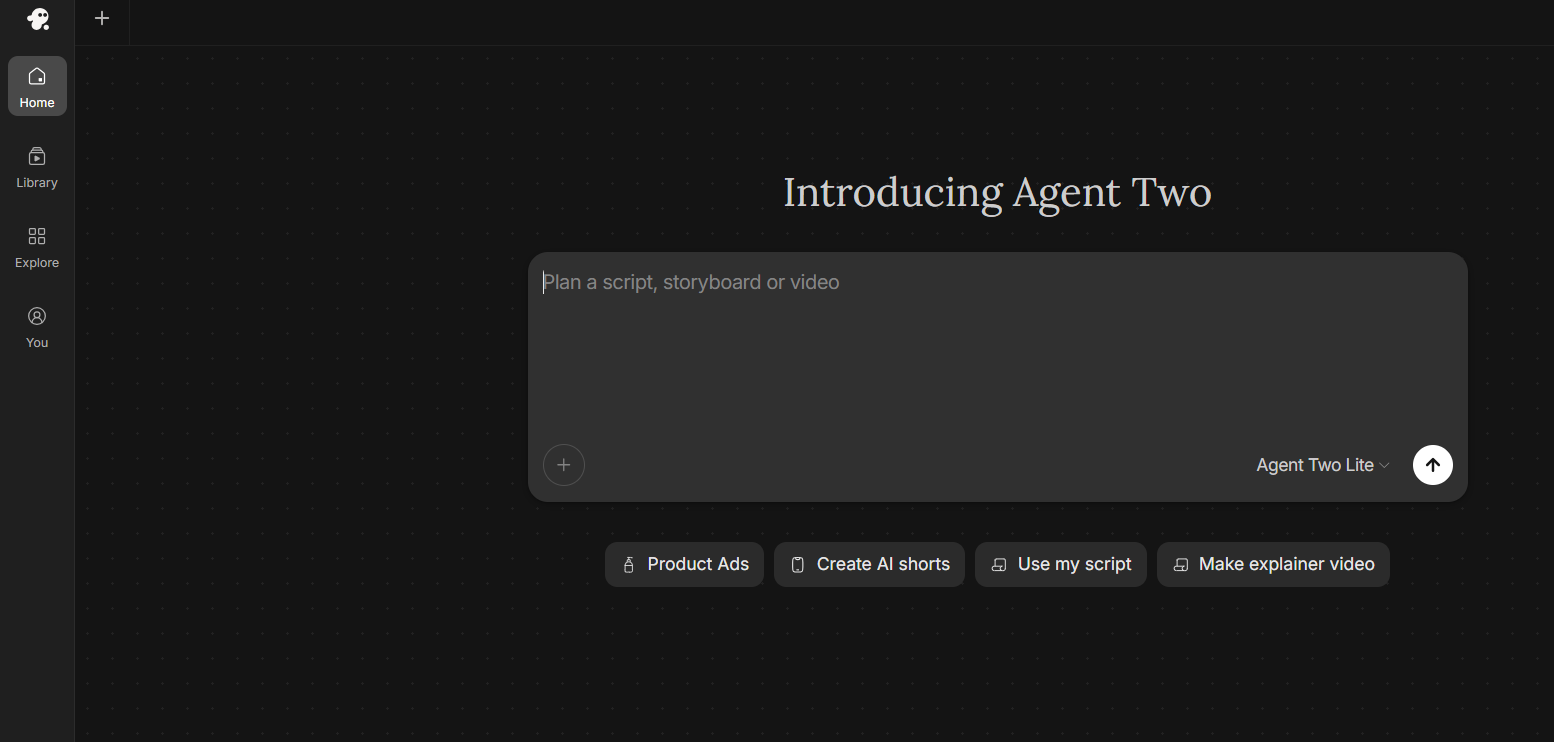
Creating a brand film involves much more than generating individual clips. Teams need to manage scripts, planning, revisions, editing, and consistency across the entire project. Invideo agent approaches this as an AI filmmaking collaborator rather than a simple video generator.
Its biggest strength is project-lifetime memory. It remembers characters, products, locations, and visual style throughout a project, helping teams maintain consistency across scenes, revisions, and even episodic content.
See exactly where your profile stands right now.
Our GBP audit shows your current rank position across your market, how your profile completeness scores against competitors, and the specific gaps holding you back from the Map Pack.
Invideo agent also supports collaborative workflows through role-based AI agents for tasks such as casting, cinematography, and editing. These agents work within the same project context, allowing teams to manage complex productions more efficiently.
With access to 200+ AI models across video, image, audio, and music, Invideo agent can select the right model for different creative tasks. It also provides cost visibility through approvals and transparent credit tracking, helping teams manage production budgets.
Pricing: Invideo agent plans start with Plus at $17/month, followed by Max at $85/month and Generative at $170/month. Pricing varies based on usage requirements, credits, and production needs.
Best for: Agencies, filmmakers, creative studios, and marketing teams producing brand films from concept to final delivery.
2. Kling AI
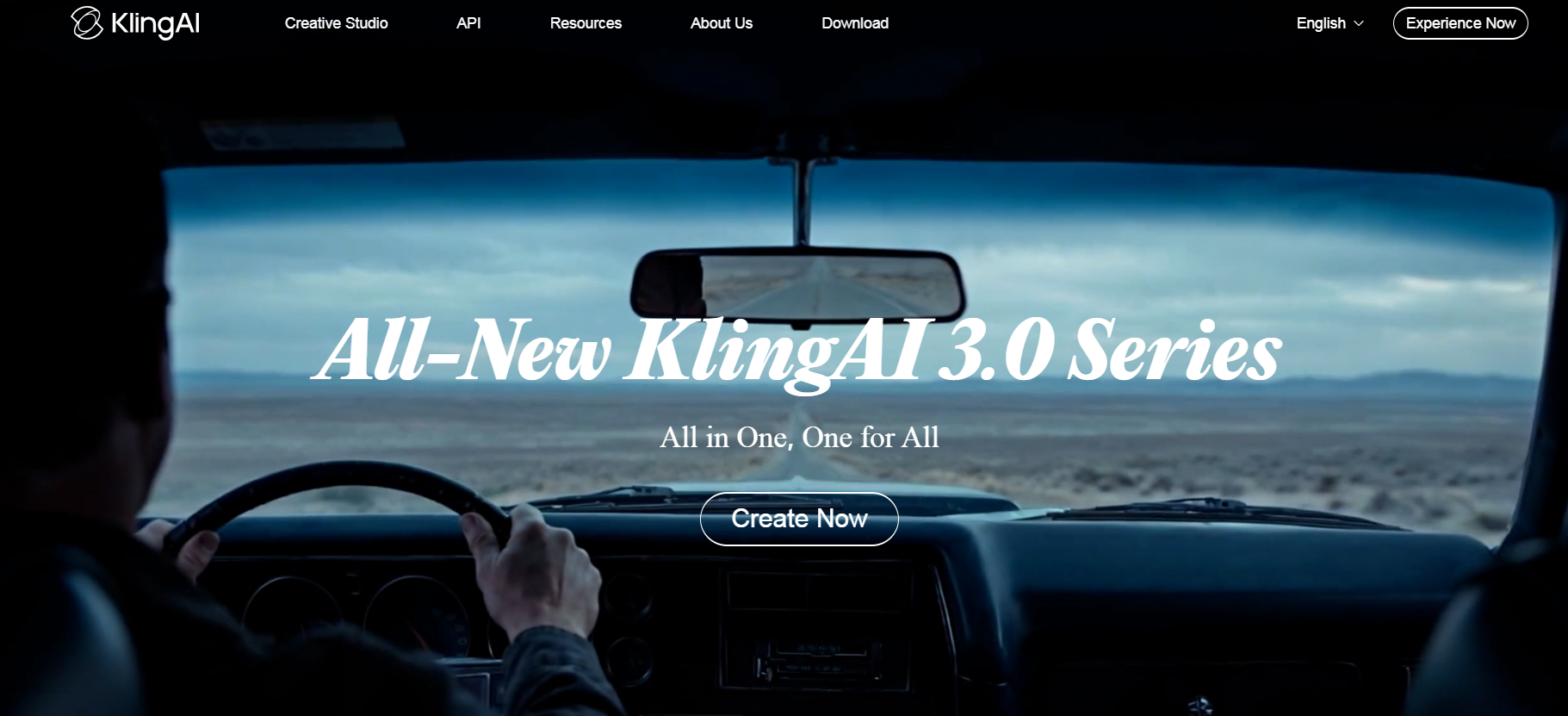
Kling AI has gained attention for producing realistic motion and visually detailed AI-generated video. Its ability to create cinematic scenes with natural camera movement makes it an attractive option for creators looking to produce polished sequences from text or image prompts.
The platform performs particularly well when generating standalone shots that can later be assembled into a larger production. Many creators use Kling AI during concept development or to create visually engaging marketing content.
While it excels at generating footage, larger productions generally require additional tools for scripting, editing, and overall project management.
Pricing: Kling AI offers free access with limited credits, while paid plans start at around $10/month, with higher tiers available for users needing more generation capacity.
Best for: Filmmakers, creators, and marketers looking to generate cinematic AI footage with realistic motion.
3. Google Veo
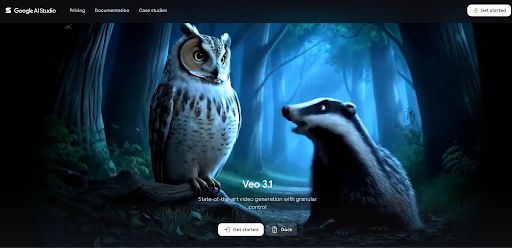
Google Veo focuses on producing high-quality AI-generated video with realistic motion and detailed prompt interpretation. It is designed to generate polished clips suitable for professional creative workflows.
Its ability to transform detailed prompts into visually coherent scenes makes it useful for exploring creative concepts and producing commercial video content. Marketing teams can quickly test different ideas before committing to a full production.
Like many dedicated video generation models, Veo works best as part of a broader production pipeline rather than replacing every stage of filmmaking.
Pricing: Google Veo pricing varies based on access method and usage. API-based generation is typically charged based on video duration and selected model.
Best for: Creative teams and production studios looking for high-quality AI-generated video clips.
4. Sora
Sora has demonstrated how AI can generate visually rich scenes from detailed prompts while maintaining realistic movement and cinematic composition. Its capabilities have helped reshape expectations around AI-assisted storytelling.
For marketers and agencies, Sora is particularly useful during the early stages of creative development. Teams can quickly visualise campaign concepts and experiment with different storytelling approaches before investing in production.
Although it produces impressive footage, professional brand films still benefit from additional editing, sound design, and creative direction to deliver a polished final result.
Pricing: Sora access is included through ChatGPT subscription plans, with pricing starting from $20/month depending on the plan and usage limits.
Best for: Creative storytellers, marketers, and production teams exploring cinematic AI-generated scenes.
5. Runway
Runway has established itself as one of the most recognised AI video platforms for creative professionals thanks to its video generation and editing capabilities. It allows creators to generate cinematic footage, extend scenes, remove backgrounds, and experiment with different visual styles without relying entirely on traditional editing software.
One of Runway’s biggest strengths is its flexibility. Rather than following a fixed workflow, it encourages creative experimentation, making it useful for developing concepts or enhancing existing footage with AI-powered effects.
Its primary focus, however, is generating and editing individual assets. Teams producing larger brand films may still need separate tools for scripting, planning, and maintaining consistency across longer narratives.
Pricing: Runway offers a free plan with limited usage, while paid plans start at around $15/month and increase based on credits, features, and generation limits.
Best for: Creative professionals and production teams looking for AI-powered video generation, editing, and visual effects.
Comparison at a Glance
| Tool | Key Strength | Best For |
| Invideo | End-to-end filmmaking workflow with project-wide consistency | Agencies, studios, and enterprise marketing teams |
| Runway | AI video generation and editing | Creative professionals and editors |
| Kling AI | Cinematic video generation | Filmmakers and content creators |
| Google Veo | High-quality AI-generated clips | Commercial production teams |
| Sora | Cinematic storytelling | Creative concept development |
How to Choose the Right AI Tool
The right platform depends on your production goals.
If your objective is generating visually striking clips for social media or advertising, dedicated video generation models can be an excellent choice.
This is the work we do for you. Every week, without exception.
Managing GBP at this level takes 6–8 hours a week when done right. Nova handles the entire system — posts, photos, reviews, Q&A, citations, heatmap tracking — so you can focus on running your business.
However, producing a complete brand film usually involves far more than creating individual scenes. Projects often require script revisions, consistent branding, collaborative feedback, editing, and multiple production iterations before they are ready to publish.
Before choosing a platform, ask yourself:
- Will multiple people collaborate on the project?
- Does the platform maintain consistency across longer productions?
- Can it support both planning and post-production?
- Will you need multiple versions for different campaigns or markets?
Answering these questions will help narrow your options and ensure the tool matches your production workflow.
Tips for Creating Better AI Brand Films
Regardless of which platform you use, following a structured production process usually leads to stronger results.
Start with a clear creative brief that outlines your audience, message, and campaign objectives. Develop storyboards before generating footage so every scene supports the overall narrative.
Create reference materials for products, locations, and characters early in the process. This helps maintain visual consistency throughout the film and reduces unnecessary revisions later.
Finally, treat AI as a creative collaborator rather than a replacement for human direction. Reviewing, refining, and editing generated content remains essential for producing professional-quality brand films.
Final Thoughts
AI has transformed how brand films are planned and produced. What once required large production teams and lengthy timelines can now be accomplished much faster with the right combination of creative direction and AI-assisted workflows.
The best AI tools for creating brand films each solve different challenges. Some excel at generating cinematic footage, while others focus on editing or creative experimentation.
For teams producing complete brand films with multiple revisions, stakeholders, and ongoing campaigns, platforms that support scripting, planning, collaboration, editing, and long-term project consistency provide a more comprehensive production workflow.
Ultimately, the best choice depends on your creative process, team structure, and production goals.

